
Your Network Is the Foundation. We Treat It Like One.
Network design, Wi-Fi coverage, secure VPN access, and cabling — planned and sized for what your business actually runs, not guesswork.
Getting the Network Right
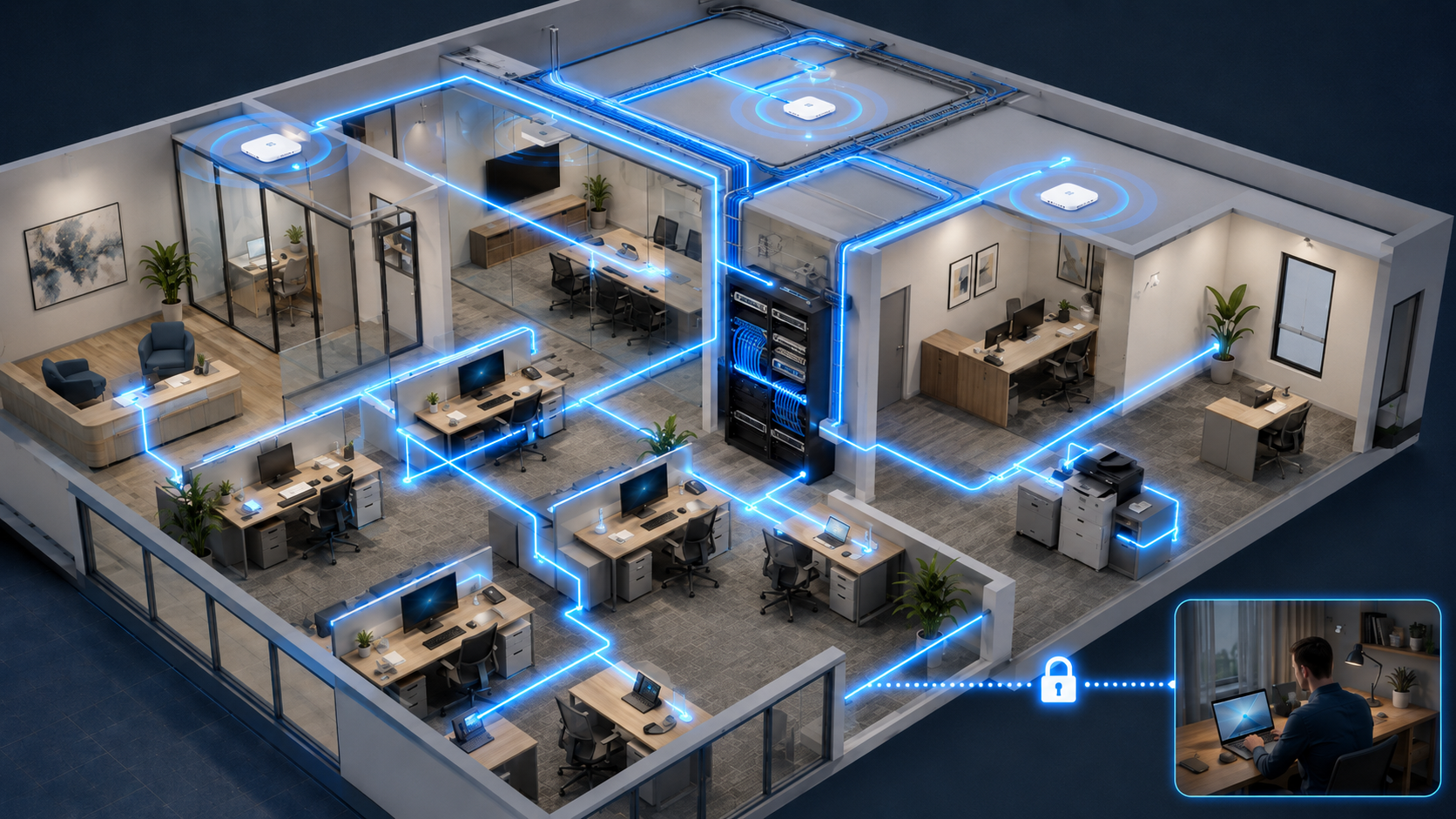
A good network setup is a lot more than a stack of cables and a switch in a closet. Before we run a single cable, we look at what the network actually needs to handle — how many people and devices are on it, how much traffic your day-to-day software generates, how far each cable run needs to go, and what all of that adds up to. That's what tells us whether standard ethernet cabling is genuinely enough for a given run, or whether fiber makes more sense — not a default either way, but a decision based on distance, speed, and what's actually going to be running over that connection. Voice traffic from a VoIP phone system and video traffic from conferencing calls both behave differently than regular data traffic, and we plan for that rather than treating every connection the same.
Your Server Is Not a Place to Cut Corners
A server failure doesn't just slow one person down — it can take your whole office offline at once. Getting it right up front means thinking through several things that are easy to overlook until they cost you:
Drive redundancy. A server with a single drive has a single point of failure. Proper RAID configuration means one drive can fail without taking your data — or your uptime — with it.
Enough memory, not just enough for today. Undersized RAM is one of the most common causes of a server that feels sluggish within a year of being new. We size memory for what the server will actually be asked to run, with headroom.
The right drive for the job. Not all drives are built the same — some are optimized for heavy write workloads (databases, transaction logs), others for read-heavy tasks (file shares, archives). Using the wrong type in the wrong role shortens drive life and hurts performance in ways that are hard to diagnose after the fact.
Redundant power supplies. A single power supply is a single point of failure on a machine that's supposed to never go down. Dual power supplies, backed by a properly sized UPS, close that gap.
Same-day, manufacturer-direct onsite warranty coverage. When a part fails, a next-business-day or mail-in warranty can mean days of downtime. We spec servers with proper onsite parts-and-labor coverage from the manufacturer — not a third-party warranty reseller — so a failed part gets fixed, not shipped. Here's what that actually looked like for one client.
Getting all five of these right at the same time isn't something most businesses have the bandwidth to research and manage themselves — and getting even one of them wrong is usually what turns a routine hardware failure into a multi-day outage. This is exactly the kind of planning we handle before a server ever gets ordered.
Wi-Fi That Actually Covers Your Office
Wi-Fi that only sort of reaches the back office isn't Wi-Fi that works. We plan for full, consistent coverage across your actual space — using a proper mesh setup when a single access point isn't enough — and make sure your equipment supports current wireless standards, since older gear can quietly slow down or drop connections from newer phones, tablets, and laptops built for faster protocols. Security matters just as much as coverage: your staff network stays properly integrated with the rest of your IT setup, while guest Wi-Fi is fully isolated, so a visitor's device never has a path to anything on your actual business network.
Secure Remote Access, Without the Subscription
If your team needs to connect in remotely, there's usually no need to pay for an expensive subscription-based remote access service. Most modern business routers already include IPSec VPN support with proper two-factor authentication built in — set up correctly, that gives your team secure remote access without an added monthly software bill. Before we ever pick a firewall or router for this, we calculate the actual VPN traffic your team will generate, along with the load involved in inspecting encrypted (HTTPS) traffic, so the equipment we recommend is properly sized for what it will actually be asked to do — not just whatever box looks impressive on a shelf.
Cabling & Wiring, Handled Start to Finish
Getting the physical cabling right takes more planning than it looks like from the outside. We handle the logistics from start to finish — deciding how and where each run should be routed, selecting the right type of cabling for the job, scheduling the installation, and making sure patch panels, racks, wall jacks, and every other detail are properly selected and mounted. Whether it's one new jack in an office or wiring an entire floor, nothing gets overlooked, however small.
Related reading
Why Your Business Needs Two WiFis (And How to Keep Both Safe)
Sharing one WiFi password with staff, guests, and vendors puts your data one compromised phone away from trouble. Here's the affordable fix.
Beyond the Cloud: The Two Backup Strategies Every Small Business Needs Now
Drive redundancy keeps a server running through a failure — backups are what get your data back when something worse happens.
Not sure if your current network is actually built for what your business needs today?
That's an easy thing for us to take a look at.
You may also need
IT Support & Help Desk
On-call troubleshooting for workstations, printers, email, connectivity, and the everyday tech issues that slow your team down. Your staff reaches us directly — no ticket queues, no automated phone trees.
Cybersecurity
Protecting your computers, email, and network from viruses, ransomware, and the security threats that target small businesses every day.