
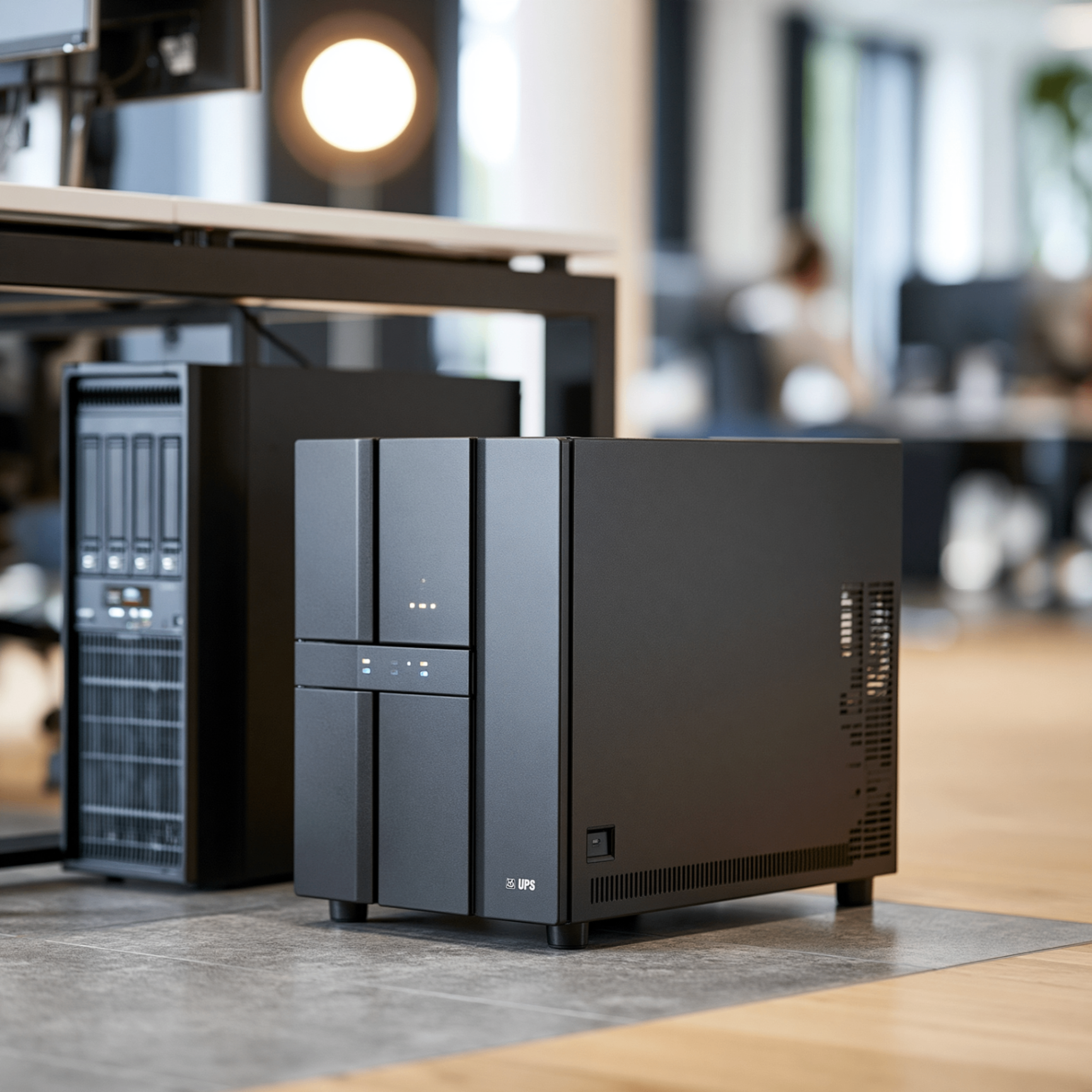
Plugs, Power, and Pitfalls: Why Your Battery Backup Needs More Than Just an Outlet
Imagine buying a top-of-the-line home security system, leaving it in the cardboard box by the front door, and assuming your house is safe. Sounds crazy, right?
Yet a surprising number of small businesses do the exact same thing with their power protection. They buy a UPS (Uninterruptible Power Supply) — those heavy black battery backup boxes — plug their servers and workstations into it, and think, "Great, we're protected from power outages."
In reality, simply buying and plugging in a UPS is only half the battle. Without proper installation and configuration, that battery backup is little more than an expensive extension cord.
The Real Goal: A Graceful Shutdown
When the power suddenly goes out, a UPS is supposed to act as a bridge. Its job usually isn't to keep your business running for hours — it's to give your equipment enough time to shut down properly.
Computers, workstations, and especially servers are constantly writing data to their hard drives. If the power abruptly cuts out, it's like ripping a book out of someone's hands mid-sentence. That sudden disruption can lead to data loss or operating-system corruption, which is exactly the kind of scenario your air-gapped or immutable backups are meant to save you from — but a working UPS keeps you from ever needing them in the first place.
- Data loss — documents, databases, and files that were open or saving can be permanently damaged.
- Operating system corruption — vital system files get broken, and when the power comes back on, the server might refuse to boot up at all, grinding your business to a halt.
The Missing Link: Your Devices Need to Talk to Each Other
To prevent a crash like that, your UPS and your servers or workstations need to actually communicate — not just share an outlet.
This happens either through a direct cable connection (USB or serial) or over your local network. When the main power fails, the UPS needs to send a signal to your server: "We're on battery now. You have a set amount of time to save everything and shut down safely." Without that connection configured, the UPS just drains to zero and your server crashes anyway — the battery backup never even got the chance to help.
Two Common UPS Mistakes We See in the Field
The undersized device. A business buys a small, consumer-grade battery backup for a heavy-duty server. When the power cuts, the server draws so much electricity that the battery drains almost instantly — nowhere near enough time for a proper shutdown.
The overly sensitive setting. On the flip side, we've seen systems configured so sensitively that a tiny one-second flicker in the power grid triggers a full shutdown, disrupting the whole office for no real reason.
Don't Forget the 3-Year Rule
Think about your smartphone. Brand new, the battery lasts all day. A couple of years in, it struggles to hold a charge or drops from 20% to dead in a blink.
UPS batteries work the same way — they decay over time, even if the box looks fine on the outside. As a general rule, the batteries inside typically need replacing every 3 to 5 years. If you haven't checked or swapped yours recently, there's a good chance they won't hold up when a real storm comes through.
Why This Matters In South Florida More Than Anywhere Else
If you're running a business in South Florida, this isn't a theoretical problem. Between summer thunderstorms and hurricane season, we deal with far more power flickers, brownouts, and full outages than most of the country ever sees. A UPS that's undersized, misconfigured, or running on a dying battery is going to get tested here — probably more than once a year.
We've been out to plenty of new office visits the week after a storm where the power protection everyone assumed was working turned out to have failed months earlier, quietly, with nobody noticing until it mattered.
The Bottom Line
Protecting your business from power problems takes more than buying the right hardware — it takes making sure it's actually set up to do its job, and that it still works when you need it most. If you want to know whether your current setup would actually protect you during the next outage, that's an easy thing for us to check.