
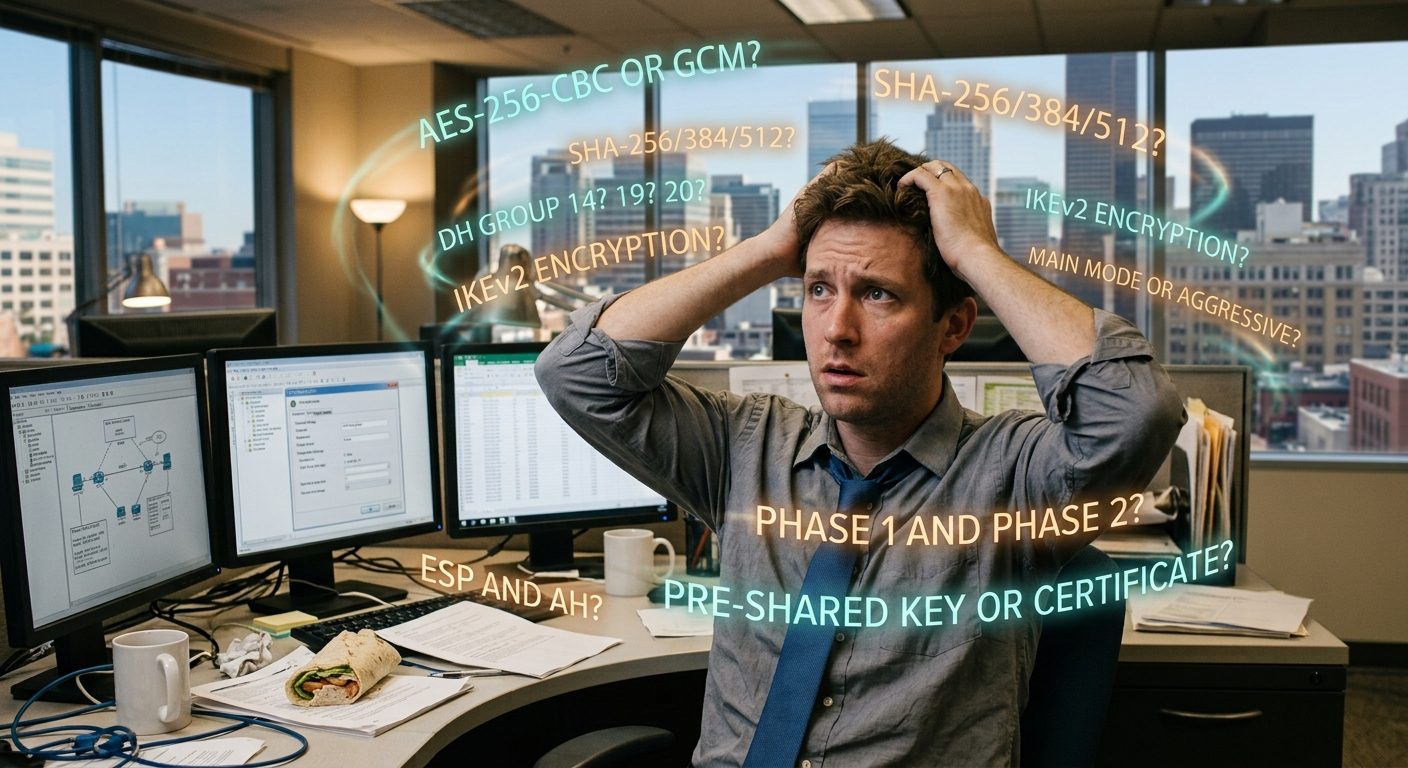
Your Connection to the Office Works. But Is Its Protection Up to Date?
For a lot of offices, the connection to the office from home or on the road is one of those things that just works. Someone clicks Connect, types a password, maybe taps an approval on their phone, and they're in. Nobody has thought about it in years, and honestly, that's how it should feel.
Here's the catch: a connection that works isn't necessarily a connection that's well protected. The settings chosen when it was first set up may have been perfectly reasonable at the time. Standards move on, though, and the equipment makers move on with them. Your connection doesn't update itself to keep up.
We've recently been helping a few of the networks we look after bring their remote connections up to date, and we wanted to share what we've learned. This isn't a "panic and replace everything" post. It's a "here's what to look at, and here's how to choose well" post.
"It connects" is not the same as "it's up to date"
This is the most important idea in this whole post.
Most offices connect remote staff through a VPN, a private, scrambled connection between a person's computer and the office network. A VPN's protection depends on a few separate choices, and each one ages on its own schedule:
- How the two ends shake hands and prove who they are. For the common IPsec type of VPN, this is called IKE. The older version, IKEv1, has been officially retired by the people who maintain internet standards. IKEv2 is the current version.
- How the data is scrambled and checked. Encryption (usually AES) keeps the data private. An integrity check (usually a SHA setting) makes sure nobody changed it along the way. Older choices like 3DES, MD5, and SHA-1 are ones to move away from.
- How the two ends create a shared secret key. This is the Diffie-Hellman, or DH, group. Some older groups, like Group 2 and Group 5, are now considered too weak for new setups, even though they still work.
- How people sign in. A password alone isn't enough anymore. Multi-factor sign-in (MFA), like an approval on your phone, has become the expected baseline.
The tricky part is that none of these old settings will stop your VPN from working. Your staff won't notice anything. The connection just quietly keeps using a lock that's older and weaker than it needs to be.
Here's a quick side-by-side of what we tend to find versus where we like to land:
| Setting | What we often find | A modern setup |
|---|---|---|
| Handshake version | IKEv1 | IKEv2 only |
| Encryption | 3DES or AES-128 | AES-256 (or AES-GCM where supported) |
| Integrity check | MD5 or SHA-1 | SHA-256 or stronger |
| DH group | Group 2 or Group 5 | A modern elliptic-curve group, such as 19, 20, or 21 |
| Perfect Forward Secrecy | Off | On |
| Sign-in | Password only | Password plus multi-factor (MFA) |
One more thing that catches people off guard: what you set on the firewall isn't always what gets used. If your firewall offers a list of options, the two ends pick one they have in common, and that may be an old fallback you forgot was still on the list. It's worth checking what the live connections actually agreed on, not just what the settings screen says.
The equipment makers are moving on, too
Sometimes the push to update comes from the equipment itself. A good example right now is the SSL VPN, a type of VPN that runs over the same kind of secure connection your web browser uses. It's been popular with small businesses for years because it's easy to set up and works from almost anywhere.
Several of the big names in firewalls have been retiring or pulling back from it:
- Fortinet removed SSL VPN "tunnel mode," the full-network version most offices use, from its FortiGate firewalls starting with FortiOS 7.6.3. Existing SSL VPN settings don't carry over during the upgrade, and Fortinet points customers to IPsec VPN instead.
- SonicWall shut down its SMA 100 series of remote access appliances on October 31, 2025, citing serious security problems, and its older Generation 6 firewalls have been reaching end of support throughout 2026.
- Cisco removed its browser-based "clientless" SSL VPN from its firewalls a few years ago. Its VPN client still offers SSL, but it also supports IPsec with IKEv2, and that's the direction the NSA and CISA have pointed businesses toward in their joint guidance on remote access VPNs.
Why the shift? A traditional SSL VPN does much of its work through a web-facing login page that sits on the open internet, where anyone can reach it. Over the past several years, those login pages have been a favorite target for attackers.
To be fair, SSL VPN technology isn't automatically unsafe, and IPsec isn't automatically safe. A well-maintained, fully patched SSL VPN can be perfectly sound. The real issue is that once a manufacturer stops supporting something, the clock starts ticking. And if you do move to IPsec, everything in the section above applies: a brand-new IPsec VPN set up with old settings isn't much of an upgrade.
Looking ahead: remote access without opening any doors
Every traditional VPN has one thing in common: your firewall has to listen for incoming connections from the internet. That's a door, and even a well-locked door can be found and knocked on.
A newer approach flips that around. Instead of the office waiting for people to call in, a small piece of software inside the office reaches out to a trusted service, and remote users connect through that service. Nothing at the office has to accept incoming connections, so there's no inbound port to open on the firewall.
Two examples we've been paying attention to:
- Cloudflare Tunnel. A small program called
cloudflaredruns on a computer or server inside the office and makes an outbound connection to Cloudflare. You can then make a specific internal app, file server, or system available to approved users without forwarding a single port. It's a nice fit for giving people access to one or two specific things. - Cloudflare Mesh. Launched in April 2026, Mesh builds a private network that ties together laptops, office equipment, and cloud services through Cloudflare's network, with the office's security rules applied along the way. It's closer to a full VPN replacement, for when people need broader access than one app.
Cloudflare isn't the only player here. Services like Tailscale, Twingate, and Microsoft's Entra Private Access work on a similar outbound-only idea, each with its own strengths.
A few honest caveats. "No open ports" doesn't mean "no ports at all." The software still uses ordinary outbound connections, and you're now relying on an outside provider to be available and trustworthy. These tools also need to be set up carefully, or they can quietly give people more access than you intended. They're a good option, not a magic one.
A quick word on Zero Trust (ZTNA)
You'll hear the term Zero Trust Network Access, or ZTNA, more and more. The idea is simple: instead of letting someone onto the whole office network once they sign in, you give each person access only to the specific things they need, and you keep checking who they are and whether their device looks healthy.
Think of a traditional VPN as handing someone a key to the building. ZTNA is more like a key that only opens the rooms they actually work in.
Some of the tools above already lean in this direction, and the big firewall makers are building it into their products too. For most small offices, it's something to keep an eye on rather than rush into, but it's worth knowing where things are heading.
So, what's right for your office?
There's no single answer, and anyone who tells you there is probably has something to sell. Here's roughly how we think about it:
| Your situation | What we'd usually look at |
|---|---|
| You already have a good firewall with VPN built in | Bring it up to IKEv2 with modern settings and MFA, and limit what remote users can reach |
| Your firewall's maker is retiring the VPN type you use | Plan the move early, and set up the replacement with current settings from day one |
| People only need one or two things, like a file server or one app | An outbound tunnel such as Cloudflare Tunnel |
| Staff or admins need broader access to several systems | A well-configured IPsec VPN, or a managed mesh network |
| Multiple offices that need to talk to each other | Modern site-to-site IPsec, or a mesh if changing internet addresses make that a headache |
| Contractors or limited-access users | A ZTNA-style setup that grants access to specific resources only |
Whatever you choose, a few things apply across the board: keep the firmware up to date, require multi-factor sign-in, give people access only to what they need, and check in on it once in a while instead of assuming it's fine because it still works.
The takeaway
The connection between your people and your office is one of the most important doors into your business. It deserves a look every so often, even when nobody is complaining. Standards change, manufacturers retire features, and settings that were fine a few years ago quietly fall behind.
A connection that works is the start of a health check, not the end of one.
We've been helping businesses across Broward and Palm Beach County keep their networks running since 2000. If you'd like us to take a look at how your team connects to the office, give us a call at (954) 274-9020 or start a conversation with us.
References
- Fortinet, FortiOS 7.6.3 Release Notes: https://docs.fortinet.com/product/fortigate/7.6
- SonicWall, SMA100 End of Support FAQ: https://www.sonicwall.com/support/knowledge-base/sma100-end-of-support-no-charge-replacement-faq/kA1VN0000000Rra0AE
- Cisco, Supported VPN Platforms, Cisco Secure Firewall ASA Series: https://www.cisco.com/c/en/us/td/docs/security/asa/compatibility/asa-vpn-compatibility.html
- NSA and CISA, Selecting and Hardening Remote Access VPN Solutions (2021): https://media.defense.gov/2021/Sep/28/2002863184/-1/-1/0/CSI_SELECTING-HARDENING-REMOTE-ACCESS-VPNS-20210928.PDF
- IETF RFC 9395, Deprecation of IKEv1 and Obsoleted Algorithms: https://www.rfc-editor.org/rfc/rfc9395
- IETF RFC 8247, Algorithm Implementation Requirements and Usage Guidance for IKEv2: https://www.rfc-editor.org/rfc/rfc8247
- Cloudflare, Cloudflare Tunnel documentation: https://developers.cloudflare.com/cloudflare-one/connections/connect-networks/
- Cloudflare, Introducing Cloudflare Mesh (April 2026): https://blog.cloudflare.com/mesh/
Fortinet, FortiGate, SonicWall, Cisco, Cloudflare, Tailscale, Twingate, and Microsoft Entra are trademarks of their respective owners. Timent Technologies is not affiliated with or endorsed by any of these companies.